You haven't signed in yet, you can have a better experience after signing in
*Please complete the payment within {{receiveCouponInfo.expire_at}}Previous use*
You haven't signed in yet, you can have a better experience after signing in


Activity Rules
1、Activity time:{{ info.groupon.start_at }} ~ {{ info.groupon.end_at }}。
1、Activity time:cease when sold out。
2、Validity period of the Group Buying:{{ info.groupon.expire_days * 24 }} hours。
3、Number of Group Buying:{{ info.groupon.need_count }}x。
Please Pay Attention
1、Teamwork process: Join/initiate a Group Buying and make a successful payment - Within the validity period, the number of team members meets the activity requirements - Group Buying succeeded!
2、If the number of participants cannot be met within the valid period, the group will fail, and the paid amount will be refunded in the original way.
3、The number of people required and the time of the event may vary among different products. Please pay attention to the rules of the event.
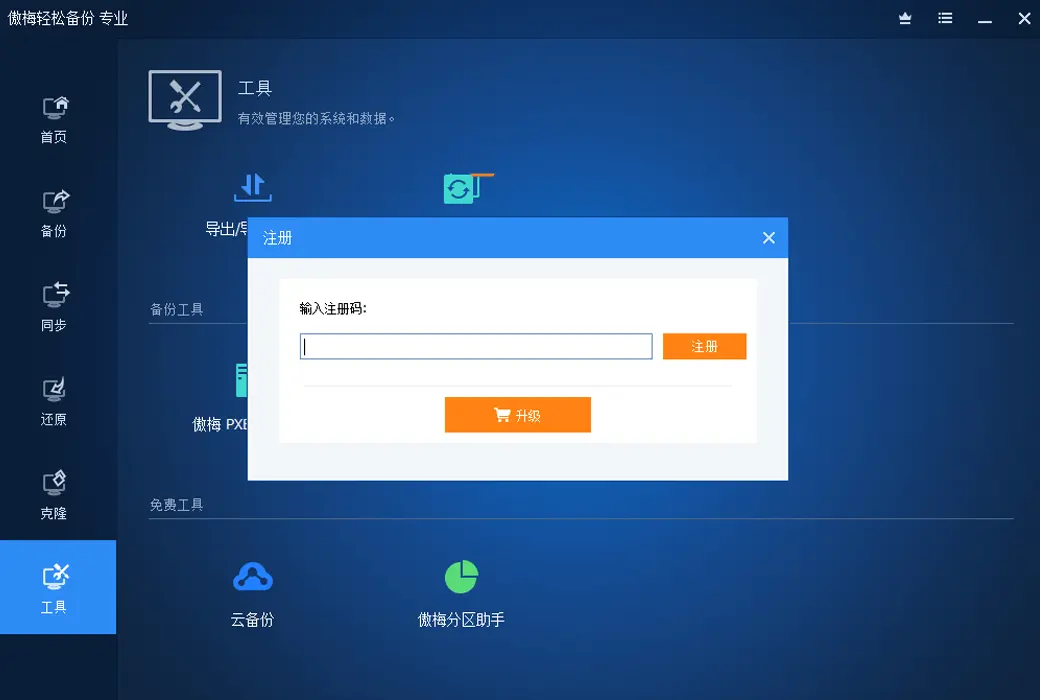
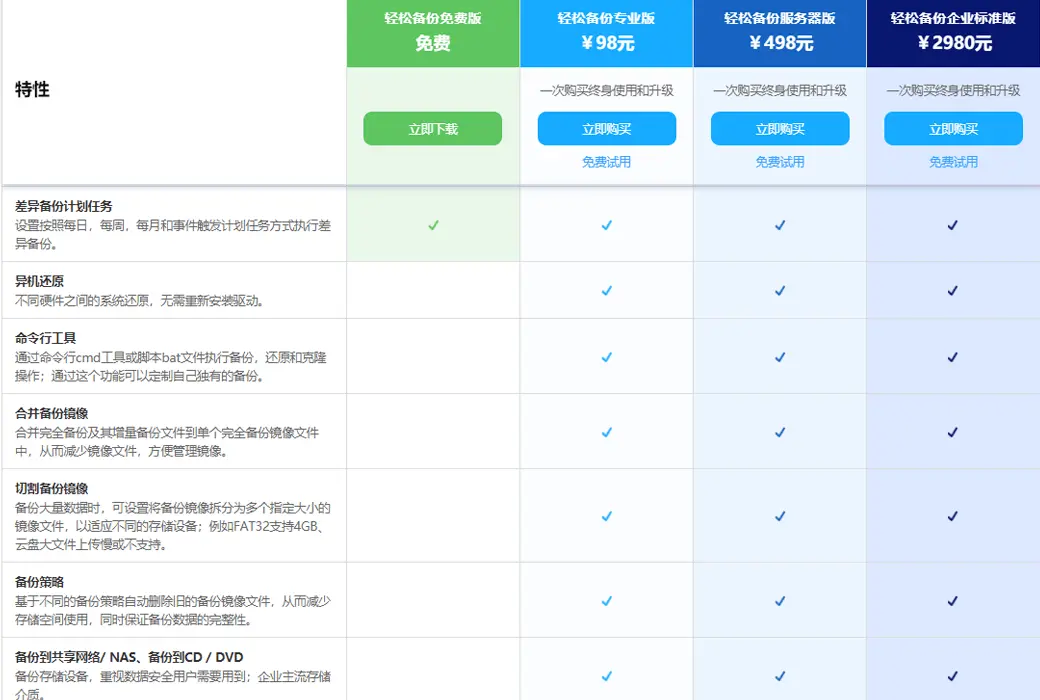
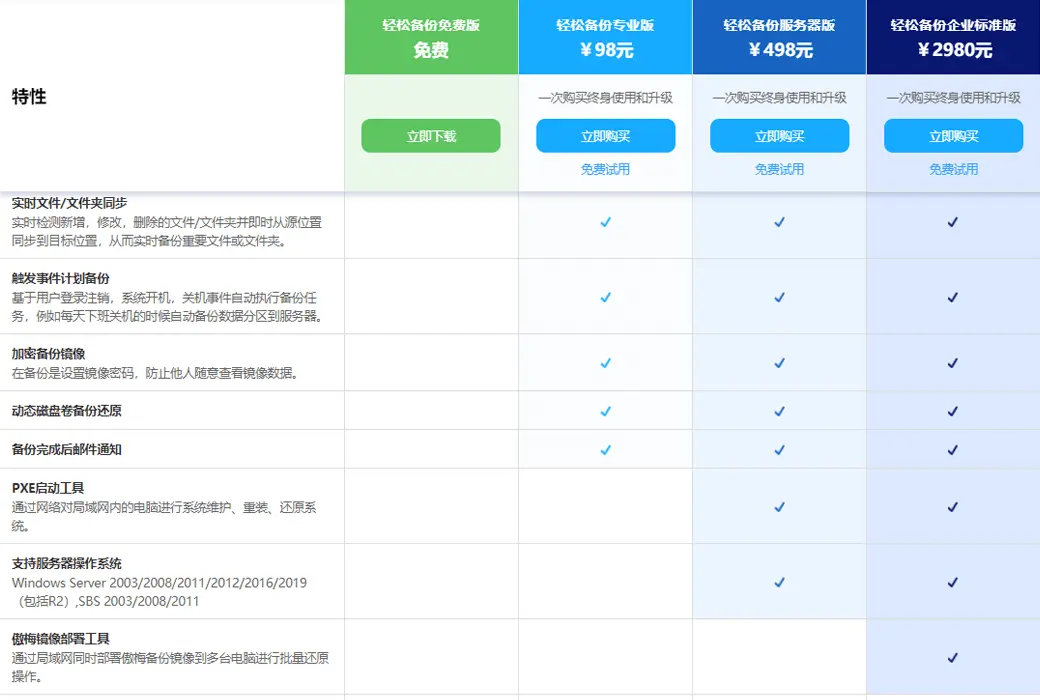
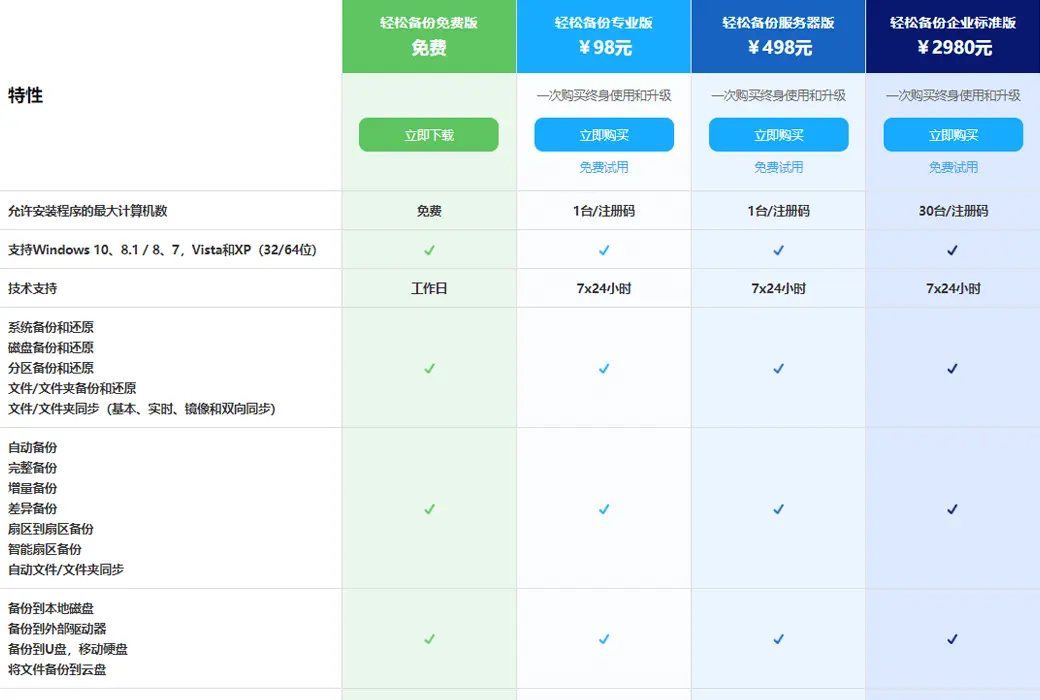
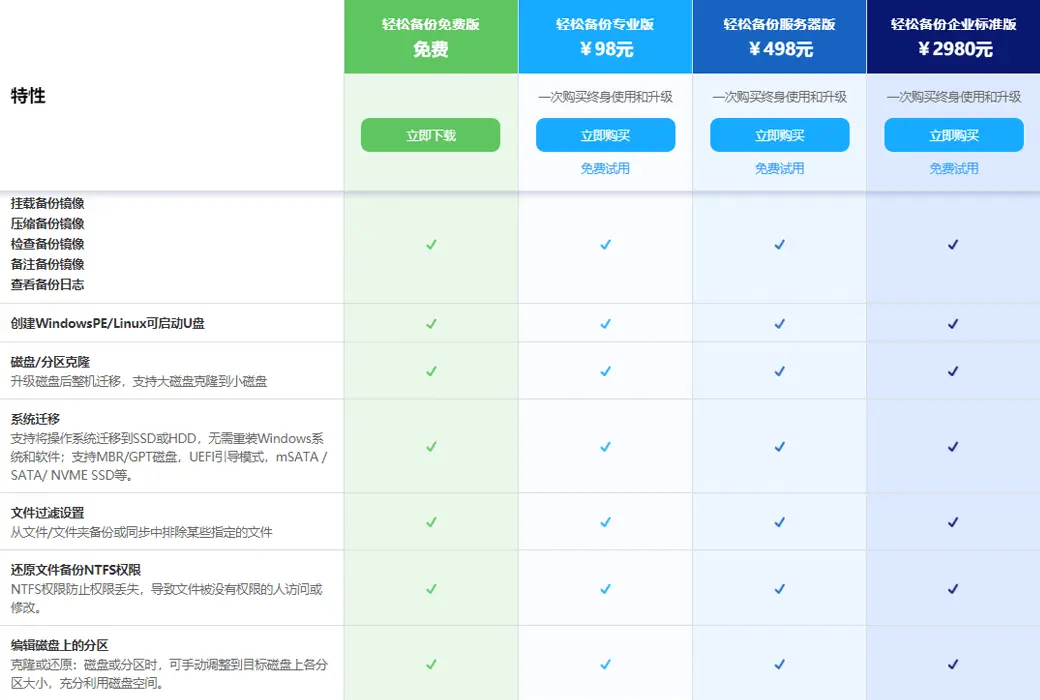
Easy Backup Professional Edition ensures easy protection of your computer data
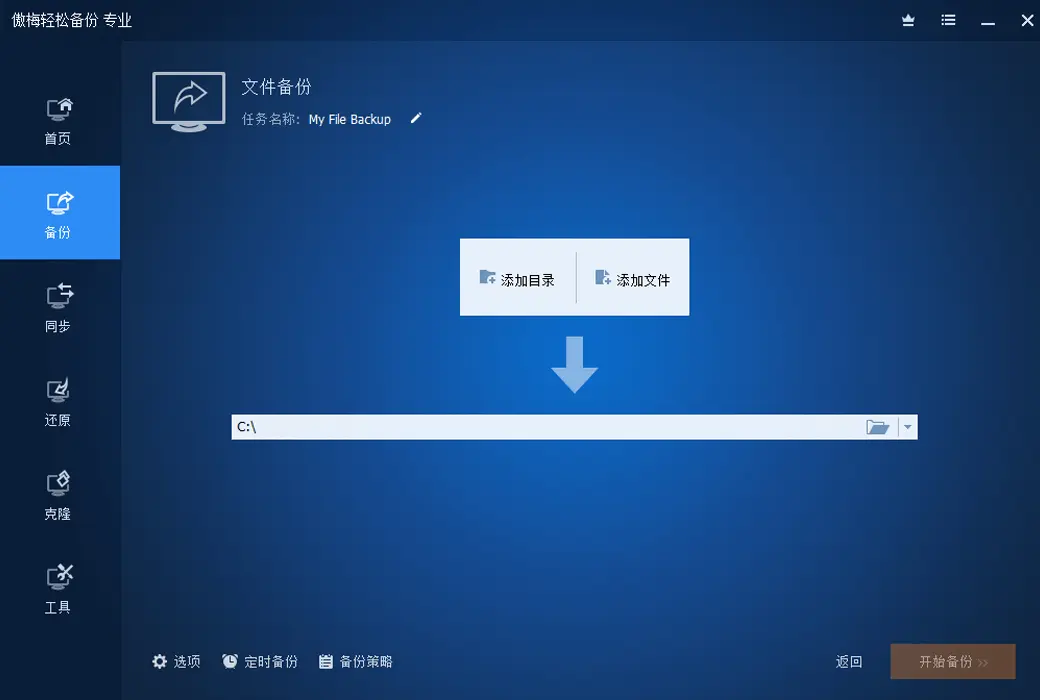
Is important data lost and cannot be recovered? The computer system has been used for a long time. too laggy? Is the computer system unable to start? Solving these problems is the specialty of Easy Backup Professional Edition.
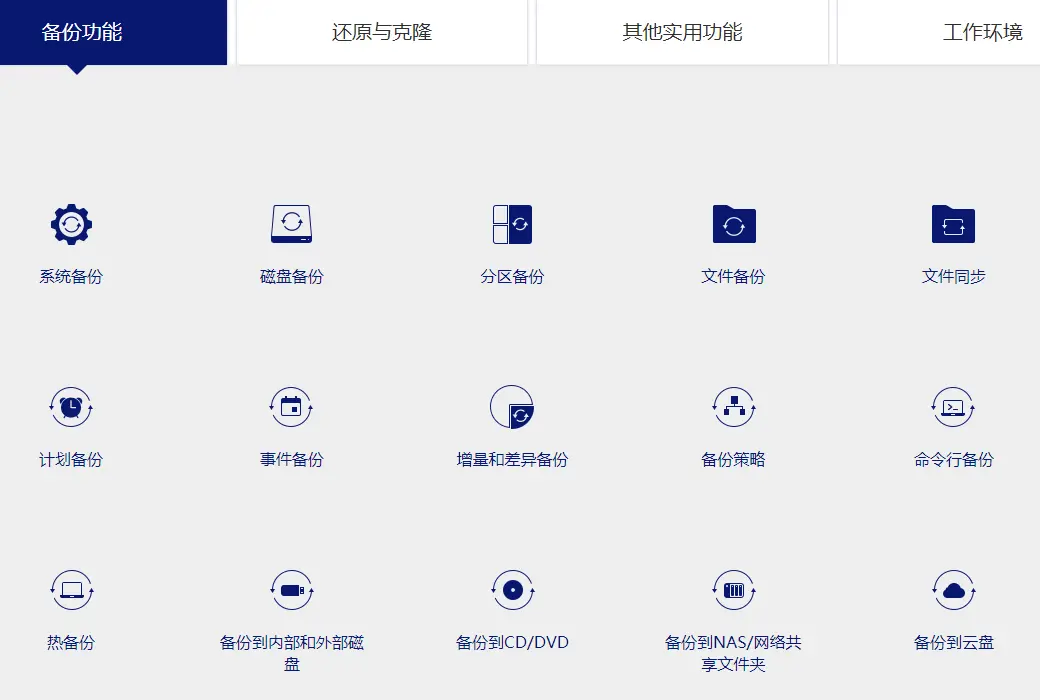
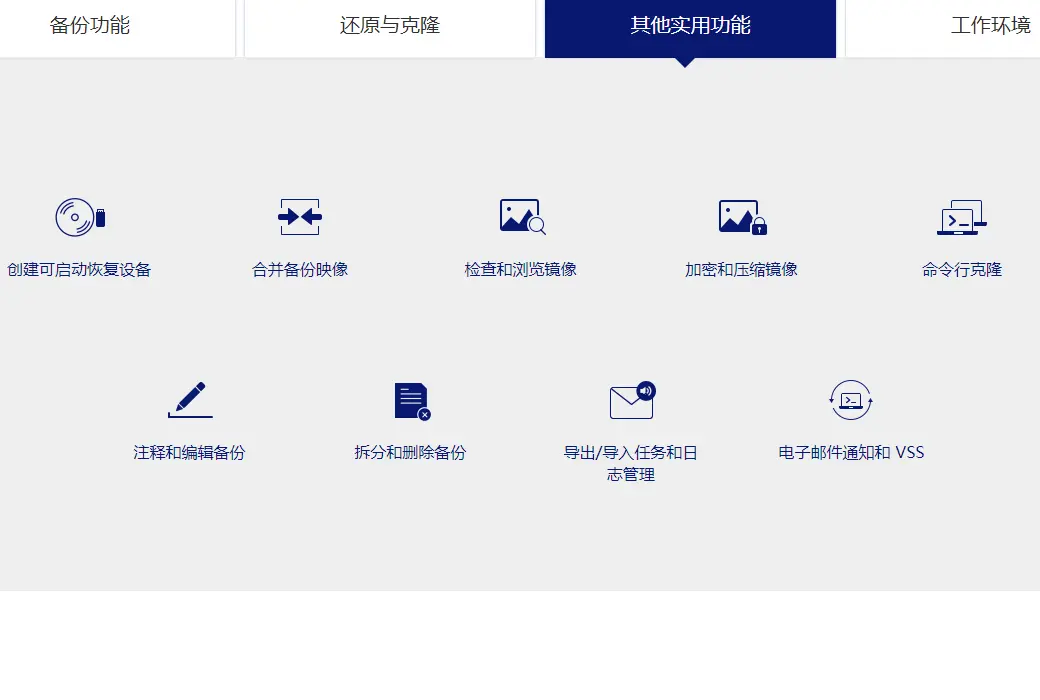
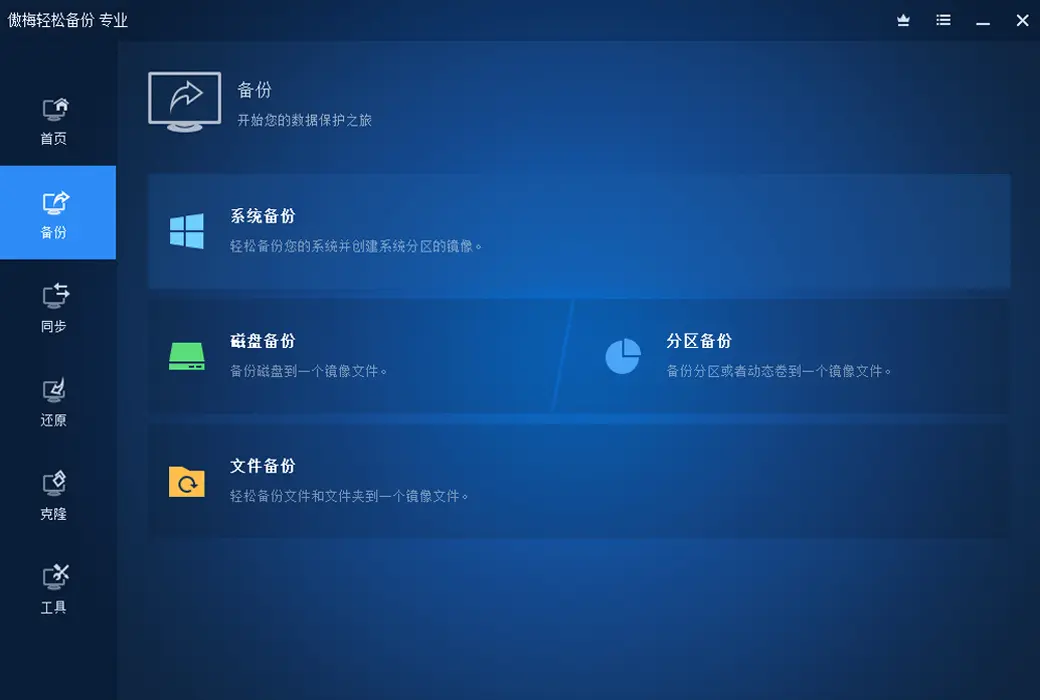
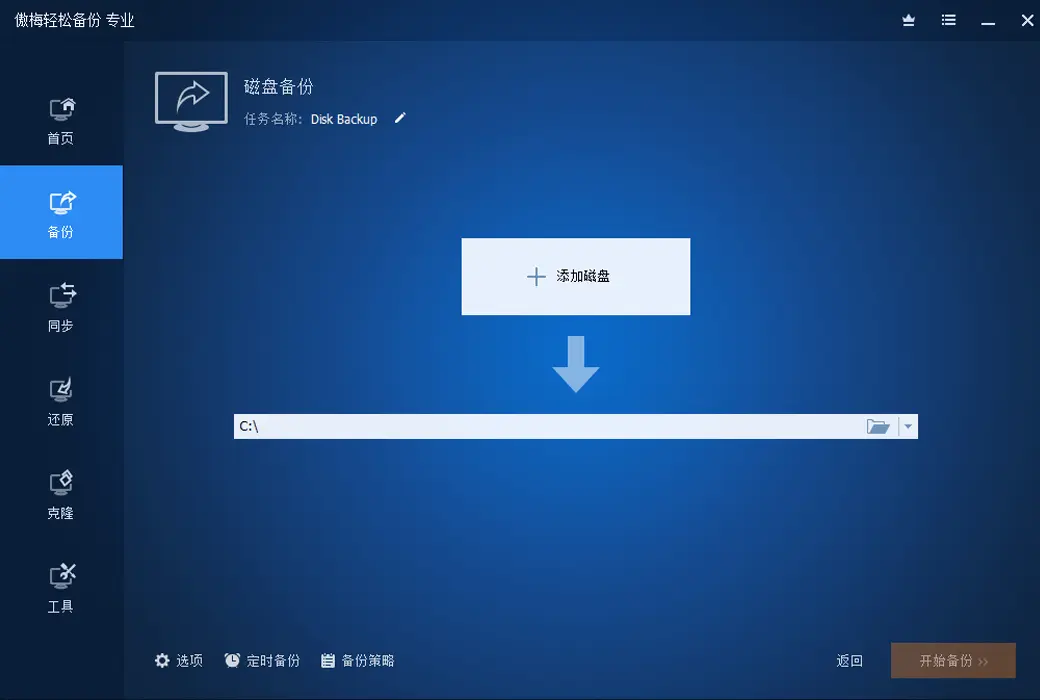
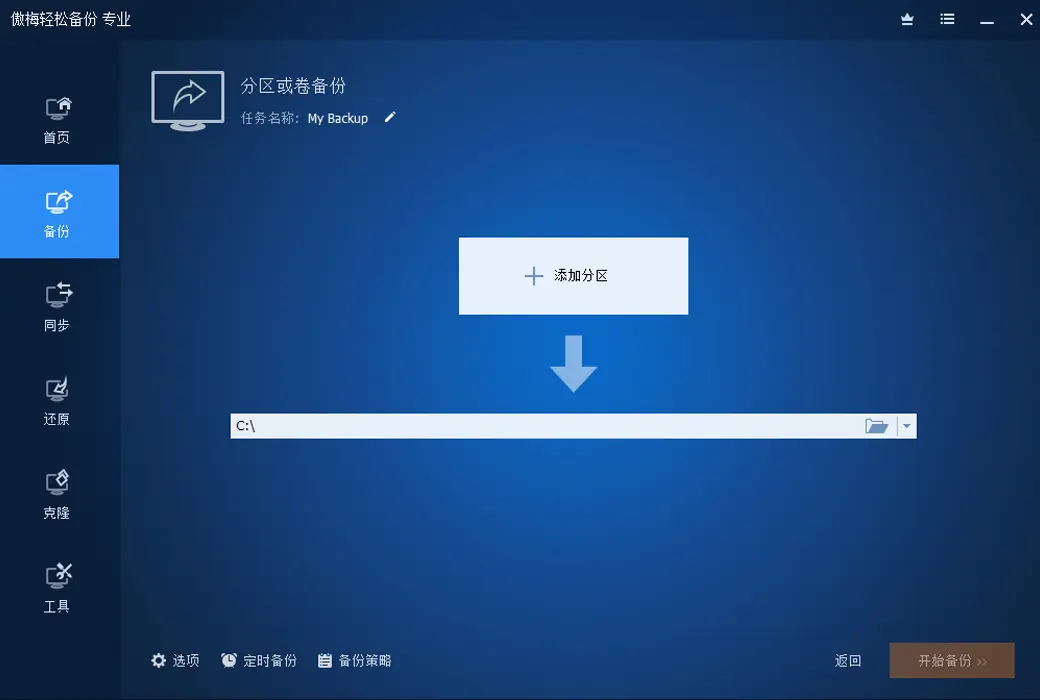
Backup function
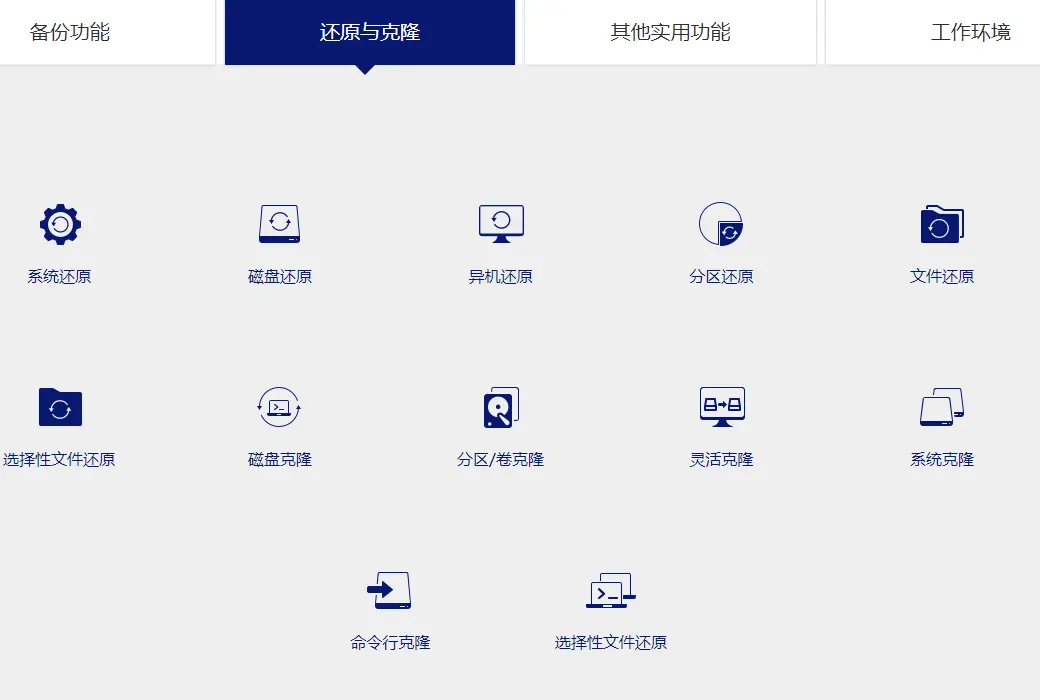
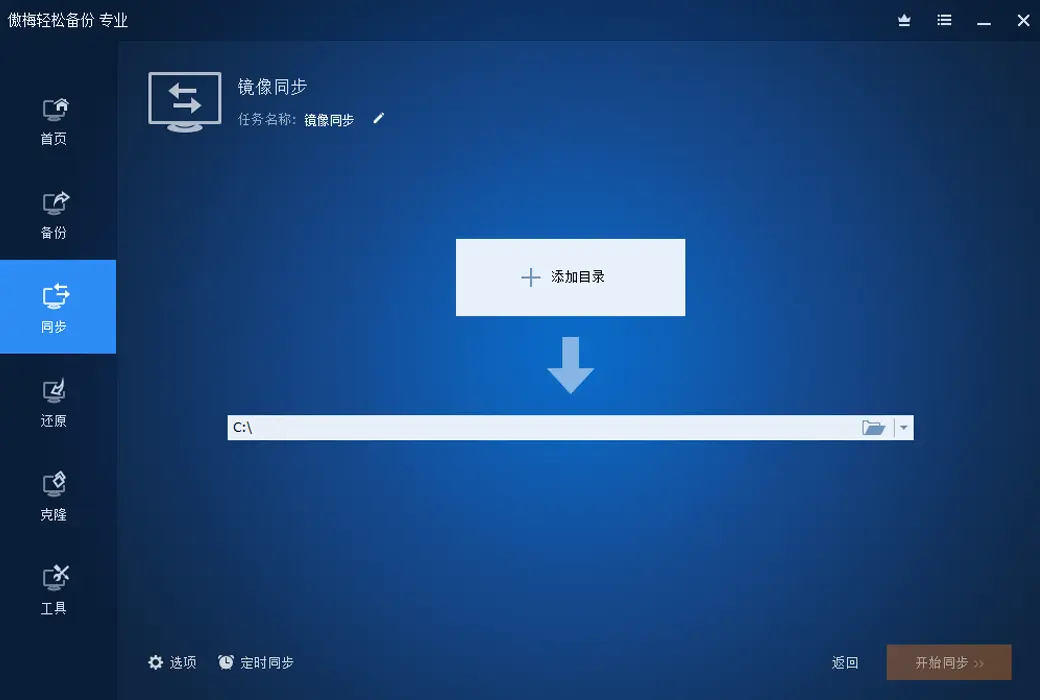
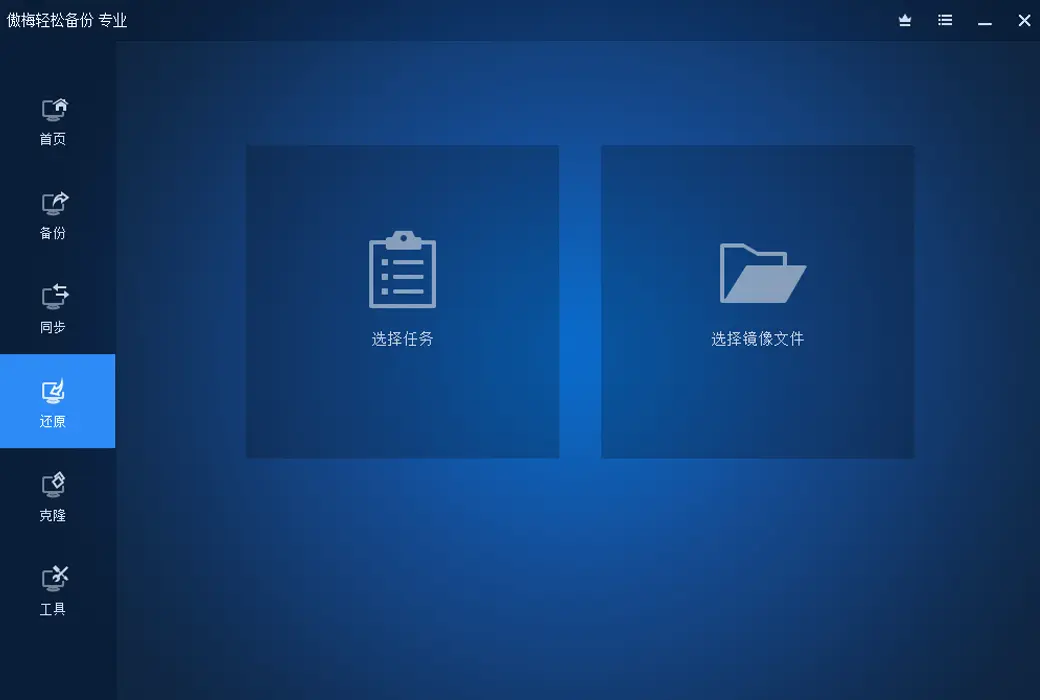
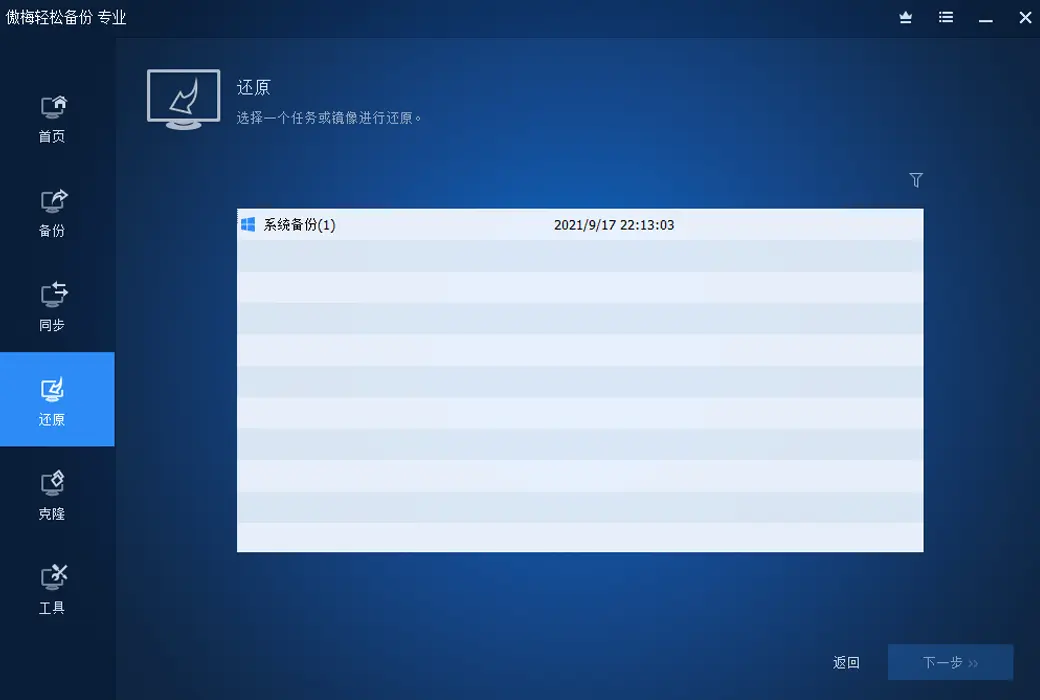
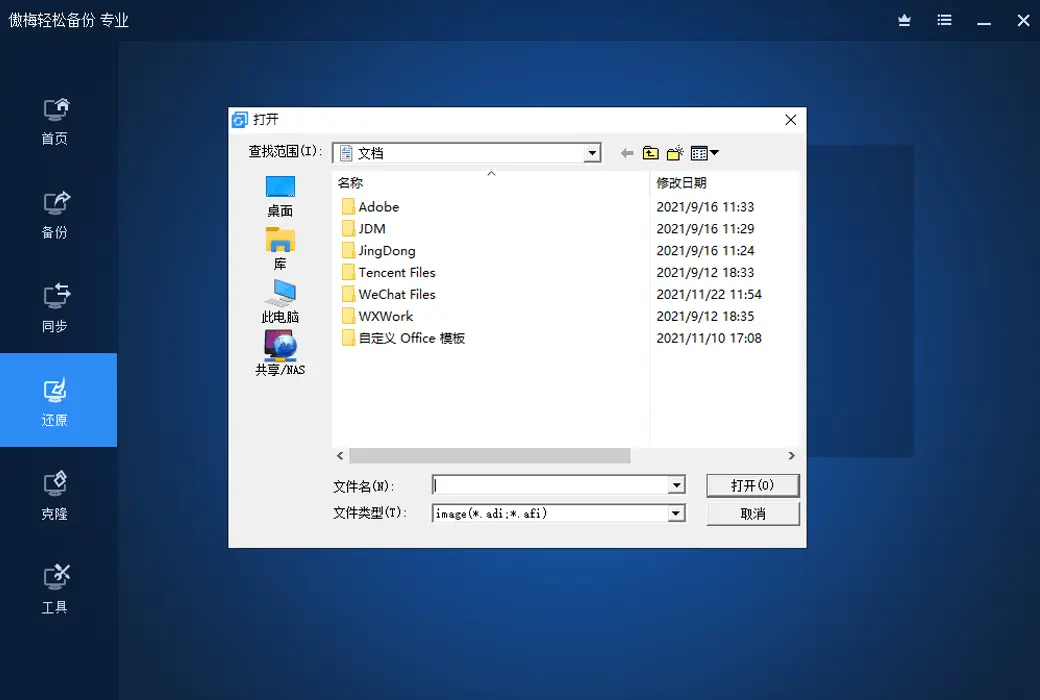
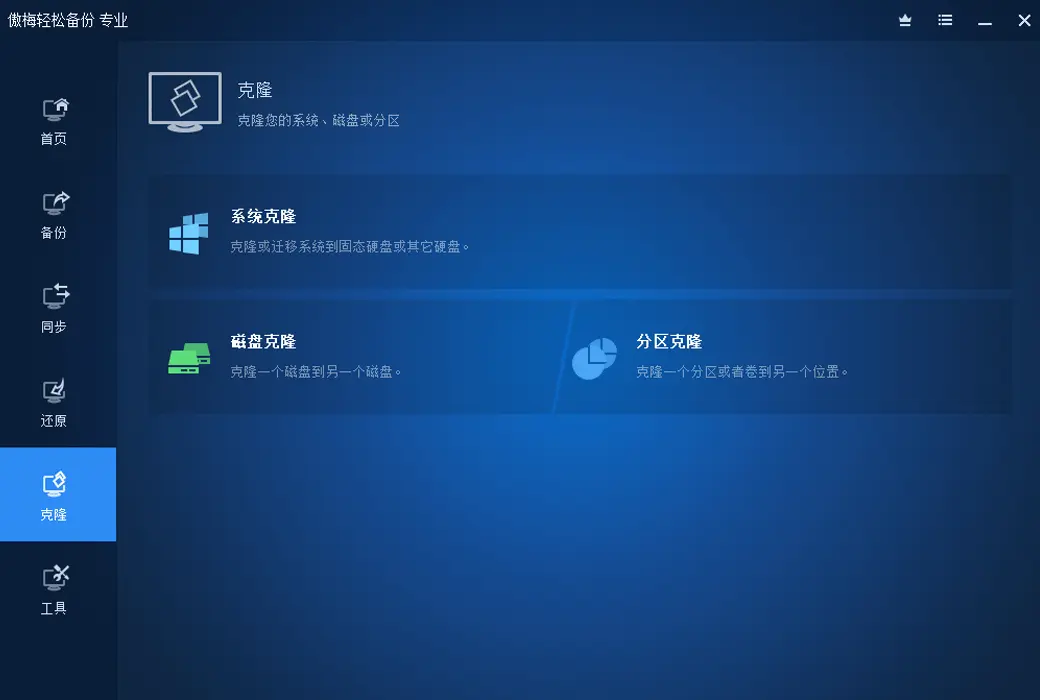
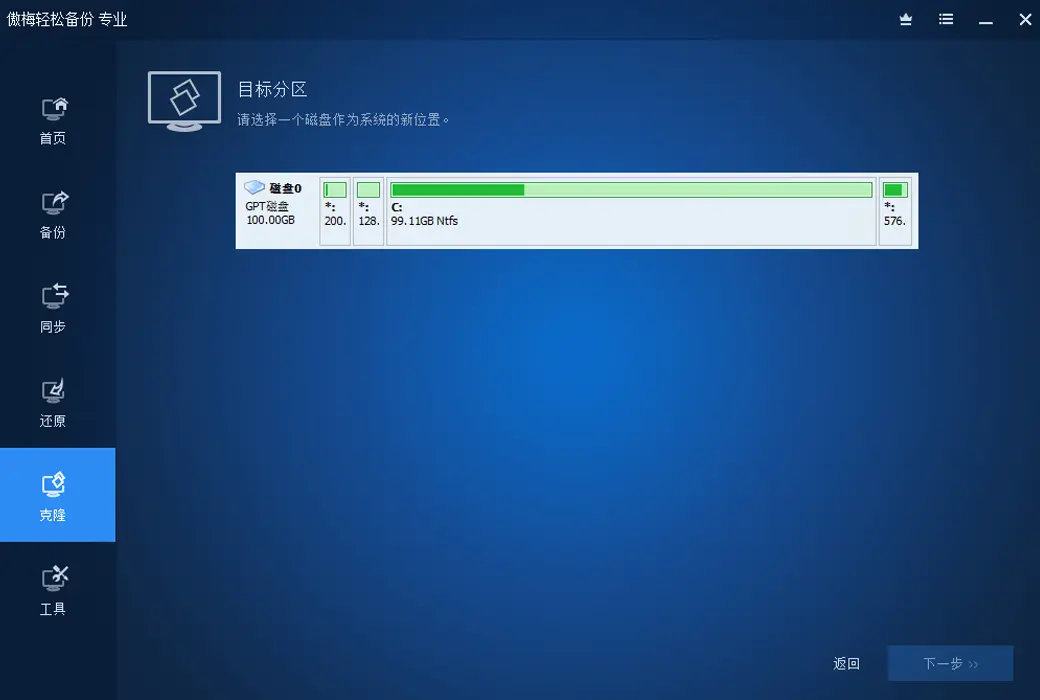
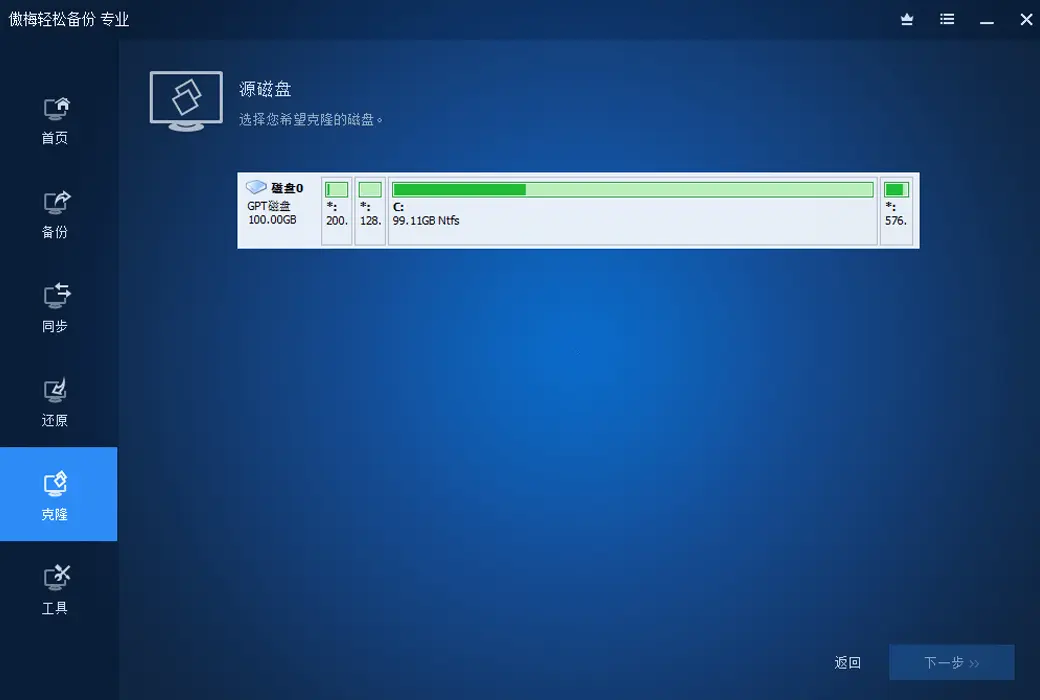
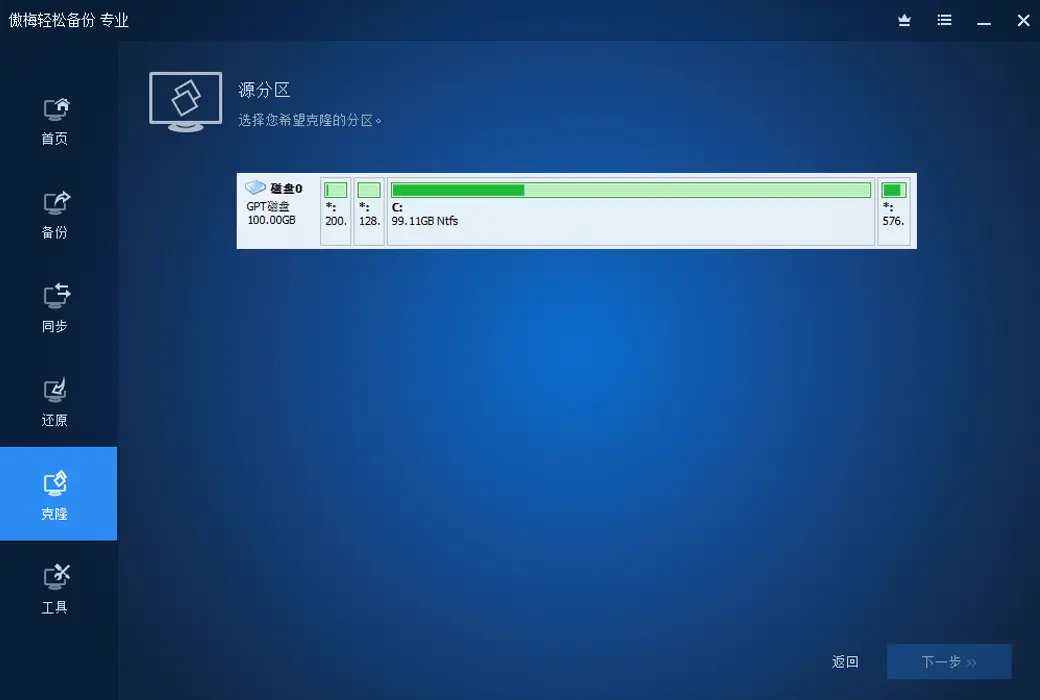
Restore and Clone
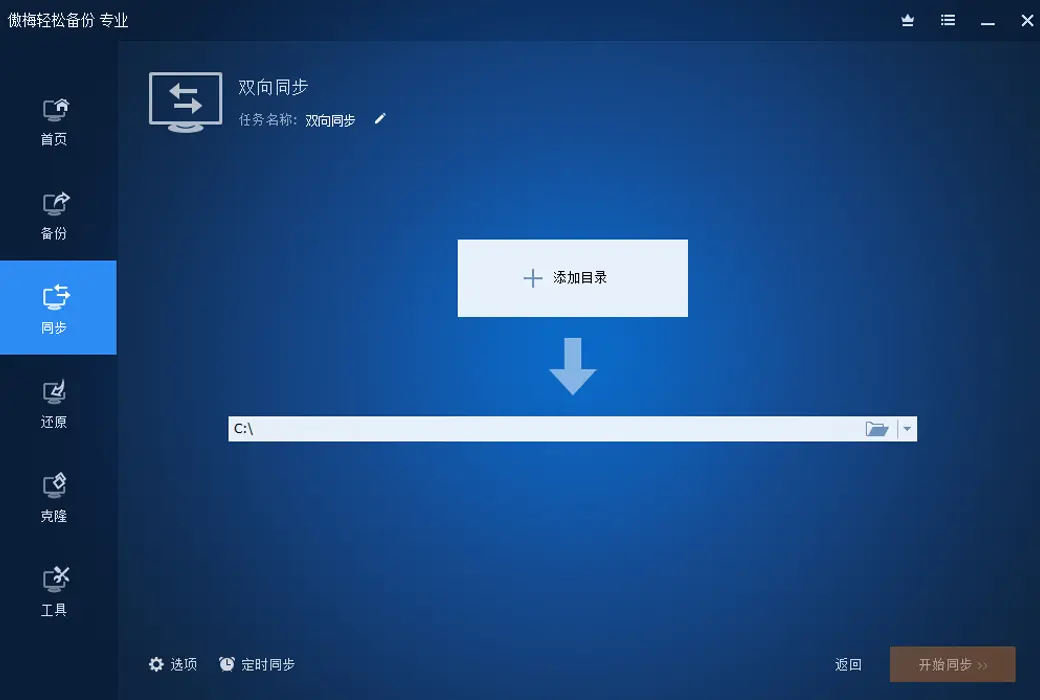
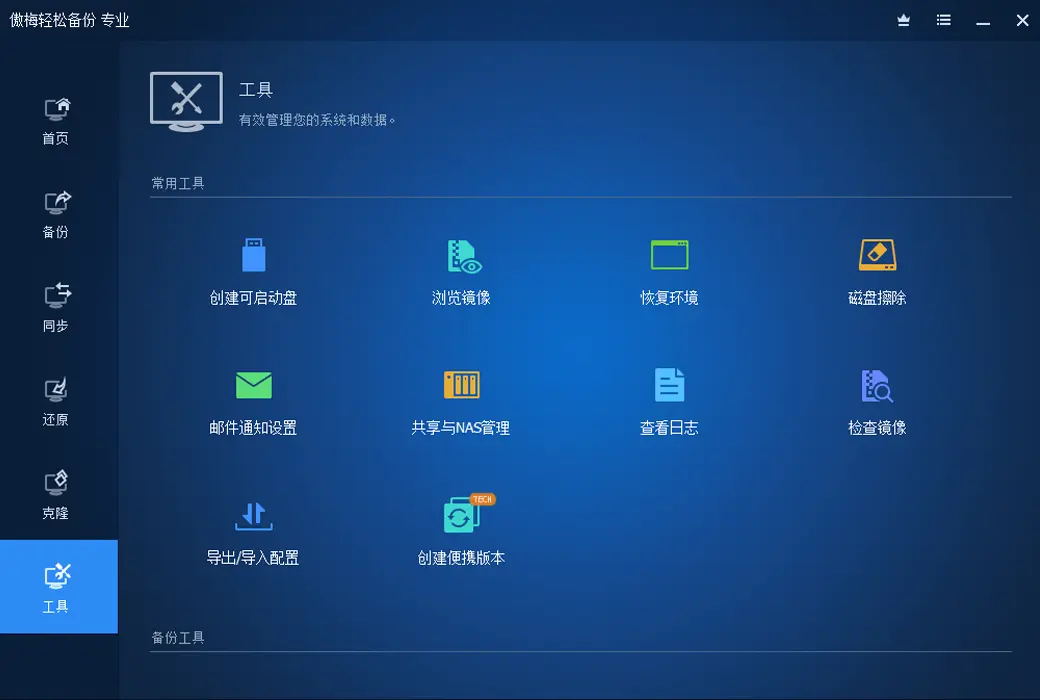
Other practical functions
Official Website:https://www.abackup.com/easy-backup-personal.html
Download Center:https://aomei-backupper.apsgo.cn
Delivery Time: Automatic delivery within 24 hours
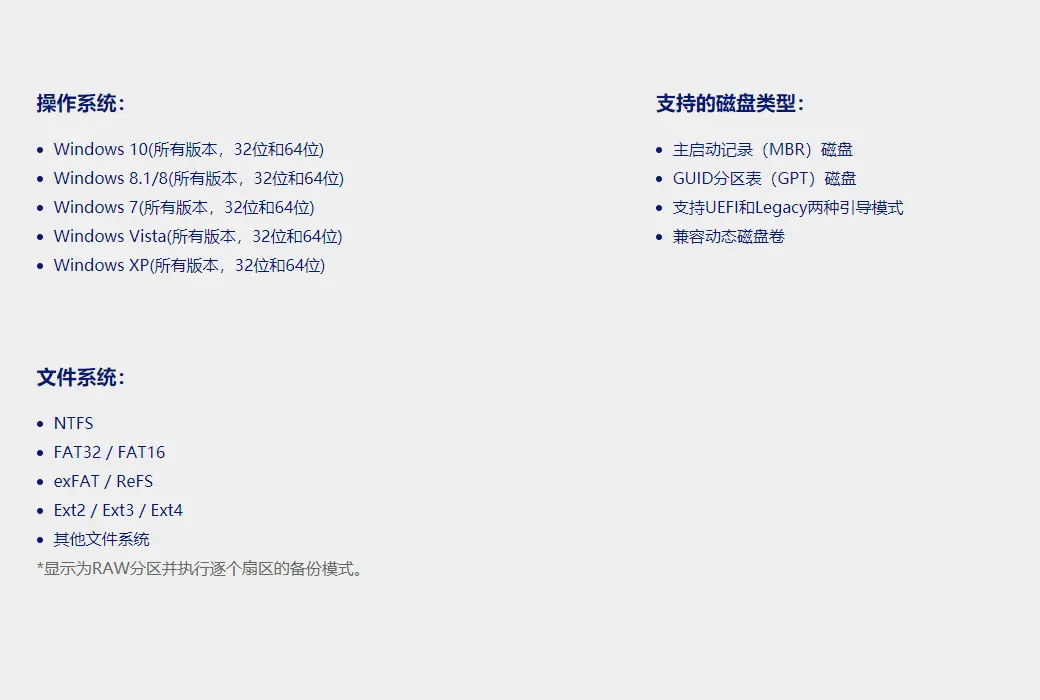
Operating Platform: Windows
Interface Language: Supports Chinese interface display.
Update Instructions: The software manufacturer promises permanent use and free updates.
Trial Before Purchase: A limited free version is available for use before purchase.
How to Receive the Product: After purchase, activation information will be sent to the email used for ordering. You can also view the corresponding product activation code in your personal center, under "My Orders".
Number of Devices Supported: The personal version supports activation on 4 computers for life.
Changing Computers: Cancel activation through your account, and then log in to the new device to activate the software.
Activation Guide: To be added.
Special Instructions: To be added.

Any question

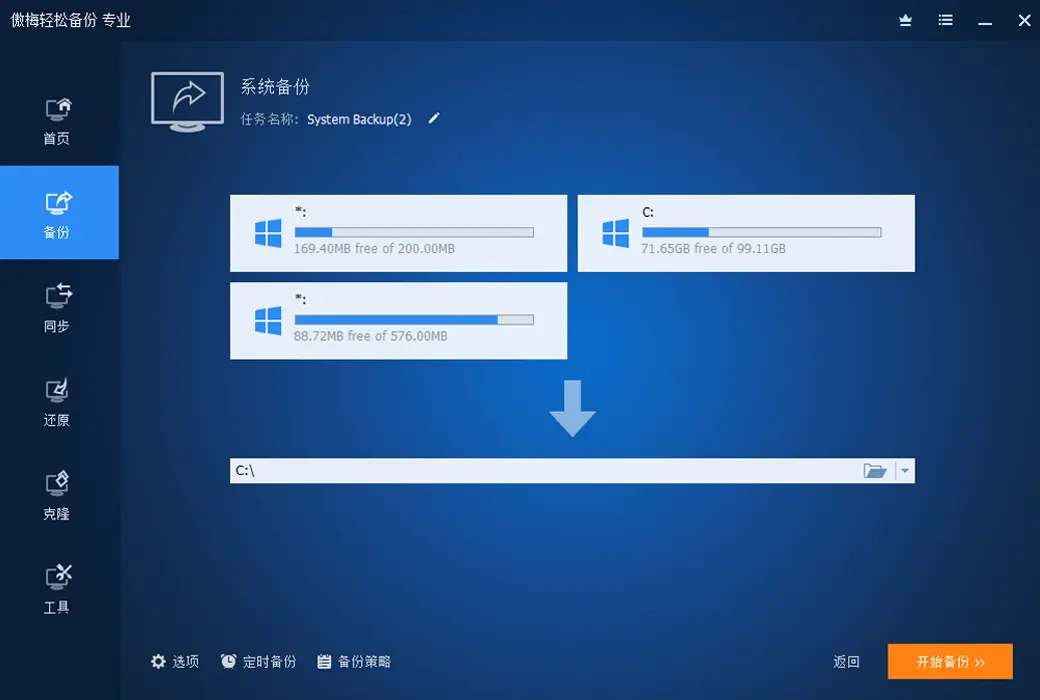
system backupRefers to the program for backing up system files, booting files, and installing system partitions,
Only by backing up both system files and boot files simultaneously can the system be ensured to be functioning properly during the next system restore.
If only one of these two is backed up, the system may still not function properly after a system restore.
So at this point, we need to understand what system partitions and boot partitions are.
In Windows Before 7 operating systems, like Windows; XP, Vista and Server; In the 2003 operating system, the system partition and boot partition are combined together,
That is to say, the boot partition is the system partition, and the system partition is also the boot partition. In this case, a partition is needed for backing up the system.
But in Windows 7, Windows 8, Server 2008, Server In the 2012 operating system, the system partition and boot partition are separated,
The system partition can still access the C drive normally, but the boot partition is a partition of about 200MB in size called System; Reserved,
This partition does not have a drive letter, so we usually cannot access the boot partition and its files.
Therefore, when it comes to Windows When backing up the system on 7/8, only when both partitions are backed up simultaneously can it be considered a complete system backup.

So how should we backup the system?
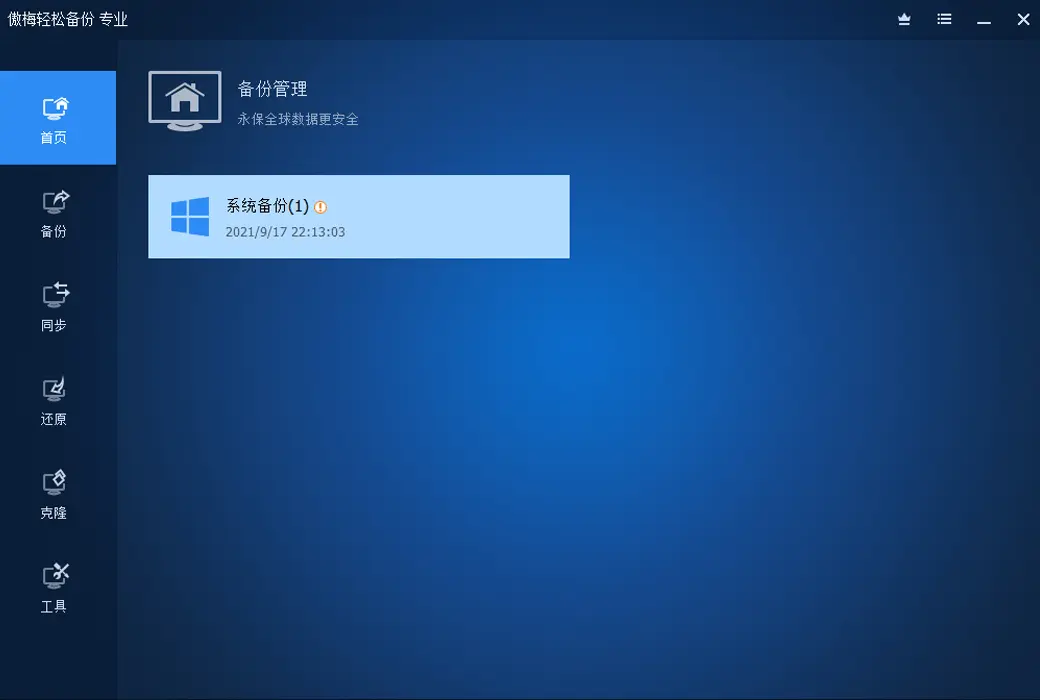
Fortunately, the Aomei backup software now provides a separate "system backup" function, which can automatically backup these two partitions and restore them,
It will also automatically restore the backed up data to these two partitions. Basically, it's a one click operation, and you don't need to backup and restore these two partitions separately.